
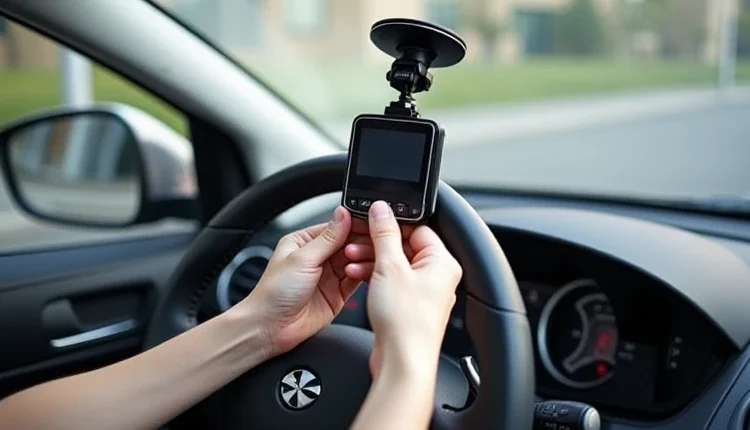
How to install and configure a car DVR 🚗🎥
Car video recorders have become an integral part of everyday life for drivers in Germany, America and Europe. They not only help to record traffic situations, but also serve as important evidence in case of accidents. Choose road safety devices to ensure peace of mind on any trip.
🛠️ Stages of installing a video recorder
Installing a car DVR is a process that requires care and attention. Here are the main steps:
-
Choosing a mounting location: The best place to mount the dash cam is at the top of the windshield. This will provide maximum visibility and minimal interference with the driver's view.
-
Mounting the device: Most DVRs are mounted using a suction cup or special glue. Make sure the glass surface is clean before installation.
-
Power connection: DVRs are usually connected to the cigarette lighter of the car using an adapter. The wires should be neatly laid out so that they do not interfere with the control of the car.
🎛️ Setting up a DVR
After installation, you need to configure the video recorder:
-
Selecting a recording resolution: High resolution will provide better image quality but will require more memory.
-
Date and time setting: To accurately record the time of incidents.
-
Motion Detection Activation (if available): Allows you to start recording when motion is detected in the camera's field of view.
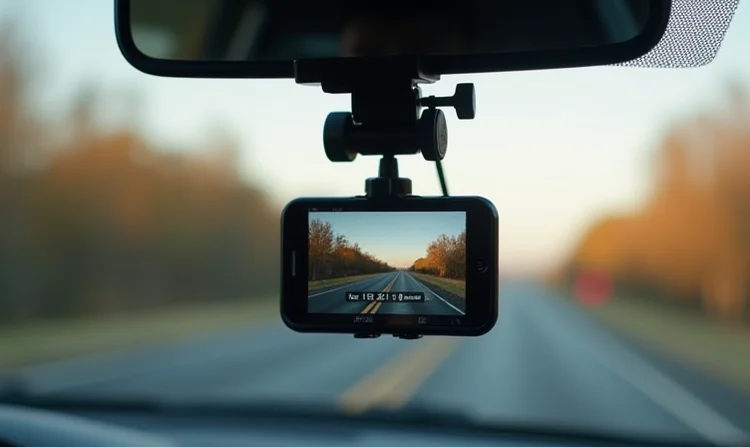
🌐 Features of choosing a video recorder for different countries
When choosing a DVR for use in different countries, it is important to consider not only the technical specifications, but also local laws. For example, in some countries in Europe and America, there are restrictions on video recording on the roads.
📋 Legislative aspects
-
Privacy: Some countries require the consent of all road users to record.
-
Placement of the device: The law may regulate where and how the dash cam must be installed in the vehicle.
🌍 International capacity
-
Power Systems: Make sure your dash cam is compatible with the vehicle power system in the country of use.
-
Multilingual menus and instructions: For ease of use when traveling internationally, choose devices that support multiple languages.
🎥 Technological innovations in video recorders
Modern video recorders offer many technological innovations:
-
Wi-Fi and Bluetooth: For wireless data transmission and control via smartphone.
-
Integration with navigation systems: Some models can synchronize with GPS navigators, providing additional information about the route and speed of movement.
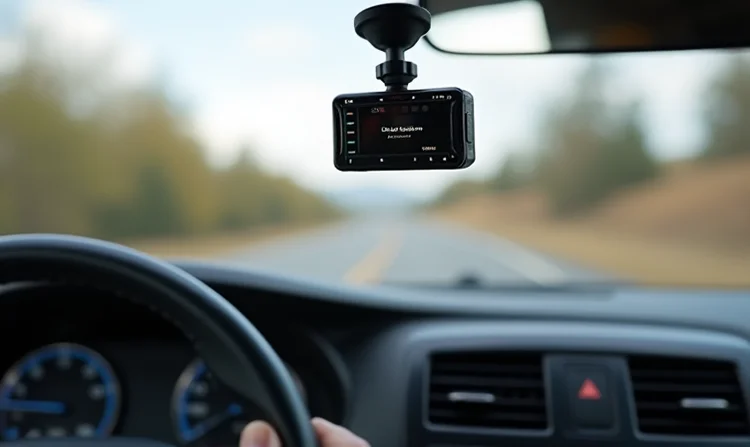
🛠️ Recommendations for maintenance and operation of the video recorder
Proper maintenance and operation of the DVR ensures its durability and reliability. Here are some tips:
-
Regular software updates: Check for and install software updates to improve functionality and fix possible bugs.
-
Cleaning the lens: Regularly clean the camera lens of dirt and dust to ensure clear images.
-
Checking Settings: Periodically check your device settings to ensure that it is working according to your requirements.
📈 Market analysis and model selection
When choosing a DVR, it is worth considering different models and comparing their characteristics. Below is a table comparing popular models on the market:
🚓 Legal aspects of using video recorders
The use of dash cams in cars is subject to certain legal regulations, which may vary from country to country. These regulations concern privacy, traffic regulations, and evidence in the event of an accident.
⚖️ Privacy and Road Rules
-
Privacy Laws: Some countries require privacy regulations when recording faces and license plates.
-
Use of Recordings in Court: Recordings from dash cams can be used as evidence in traffic disputes.
🔍 Conclusions: choosing and using a video recorder
Choosing and using a car DVR is not only a matter of technology, but also a matter of convenience, safety and compliance with legal regulations. Consider the following aspects:
-
Specifications: Choose a device with the appropriate resolution, Wi-Fi features, and other additional features.
-
Legal Restrictions: Please check your local laws regarding the use of dash cams.
-
Recording quality: Ensure that your device records clear images even in low visibility conditions. Ultimately, a properly selected and configured dash cam will become your reliable assistant on the road, helping to record important moments along the way.
| Model | Permission | Wi-Fi | Additional functions |
|---|---|---|---|
| Garmin Dash Cam 56 | 1440p | Yes | Motion sensor, voice control |
| Nextbase 322GW | 1080p | Yes | GPS integration, emergency SOS |
| YI Smart Dash Camera | 1080p | Yes | Wireless data transmission, ADAS |
